Jumia Invoice Generator
Create a Jumia-style tax invoice with seller details and TIN, order number, bill-to details, line items, 7.5% VAT, shipping, and grand total in Naira. Preview live and download a PDF.
Create a Jumia-style order tax invoice with seller details, TIN, order number, line items, 7.5% VAT, shipping, and grand total in ₦. Download a print-ready PDF.

Choose
Jumia Invoice selected

Customize
Fill in your details

Download
Save or share receipt
Edit the details once and the preview updates instantly.
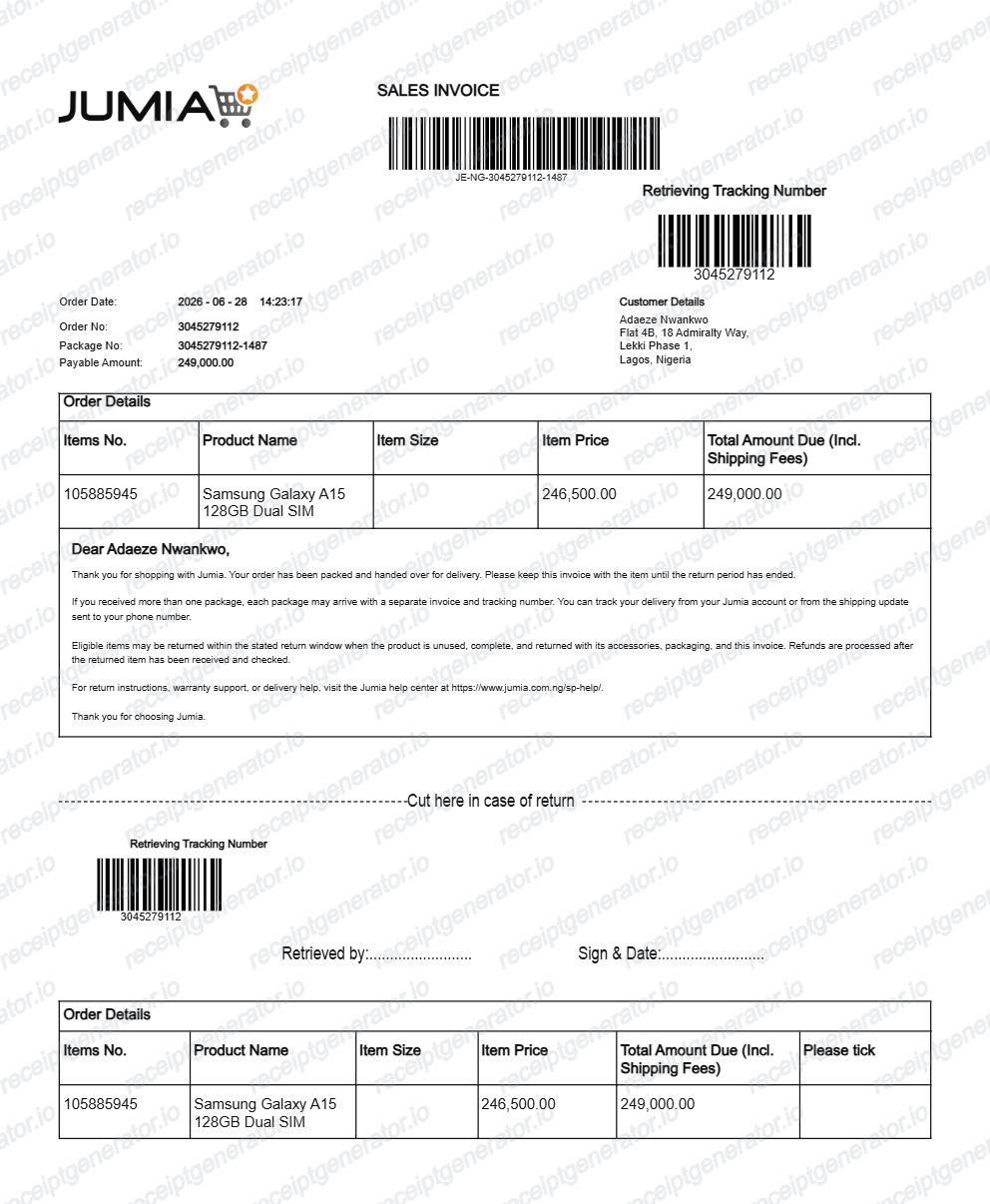
Quick summary
Jumia invoice template overview
Use this Jumia-style tax invoice template to build an order invoice with editable seller TIN, items, 7.5% VAT, shipping, and Naira totals.
What Is on a Real Jumia Invoice?
Before you rebuild a Jumia invoice, it helps to know what the original order document contains. Jumia order invoices follow a consistent marketplace tax-invoice structure, and a credible replacement copy should match it field for field.
Order number as the anchor reference
Every Jumia purchase gets an order number that appears on the invoice, in the Orders section of the account, and in the confirmation email and SMS sent when the order is placed - it is the reference Jumia support uses for any inquiry.
Seller details on a marketplace invoice
Jumia is a marketplace, so the invoice identifies the selling merchant, not just Jumia. Tax invoices carry the seller's business details and Tax Identification Number (TIN) so the document works for Nigerian VAT and business records.
VAT at Nigeria's 7.5% standard rate
Nigeria's standard VAT rate has been 7.5% since February 2020, and it applies to most goods sold on Jumia. The invoice reflects VAT on the order, and Jumia states that the price shown at checkout is final - no hidden charges are added later.
Line items and shipping in Naira
Each item prints with its description, quantity, and unit price in Naira, and the delivery fee appears as its own line before the grand total rather than being folded into item prices.
Pay-on-delivery payment trail
Pay on delivery is settled in cash or with a local Mastercard, Visa, or Verve card on the rider's POS machine - Naira only. Card payments at the door generate a POS slip that supplements the order invoice as proof of payment.
Buyer name and delivery address
The invoice bills to the customer name on the account and shows the delivery address for the shipment, which is what expense reviewers use to tie the purchase to the person claiming it.
Create a print-ready Jumia invoice
Edit the layout, watch it update live, then print, download PDF, or email.
Live Jumia invoice preview
See the Jumia order tax invoice update instantly as you edit items, TIN, shipping, and totals.
PDF download
Export a clean Jumia-style marketplace tax invoice PDF for business accounting or warranty records.
Mobile-friendly editor
Create and edit Jumia marketplace tax invoices from mobile, tablet, or desktop.
7.5% VAT & TIN support
Customise merchant TIN, delivery charges, item quantities, 7.5% FIRS VAT, and Naira totals.
Get Your Original Jumia Invoice First
Sign in to your Jumia account, open Orders, select the order, and view or download the invoice from the order details - the order confirmation email also carries the order number and totals. For pay-on-delivery purchases, keep the POS slip issued at handover together with the invoice. Use this template when the original is unavailable - a deleted account, a purged confirmation email, or an order placed by someone else.
Corporate expense reimbursement
Provide itemised order documentation with merchant TIN and 7.5% VAT for company procurement.
Warranty & return proof
Document purchased electronics, phones, and appliances with order numbers and delivery addresses.
Lost invoice replacement
Reconstruct a clean marketplace tax invoice when the original email confirmation is lost.
Jumia Invoice Formats
Choose the Jumia format that matches your e-commerce order, business expense, or tax documentation needs.
Marketplace Order Tax Invoice
A Jumia tax invoice showing seller TIN, itemised product lines, 7.5% VAT, and delivery fee.
Pay-on-Delivery Order Slip
A Jumia order document reflecting pay-on-delivery settlement with rider POS reference details.
FIRS 7.5% VAT Commercial Invoice
A Nigerian commercial invoice configured with Naira (₦) currency and a 7.5% FIRS VAT breakdown.
Related Guides
Explore related guides to understand the receipt details, lookup steps, and documentation workflows.
More free receipt and invoice templates for Nigerian telecoms, mobile money, and retail records.
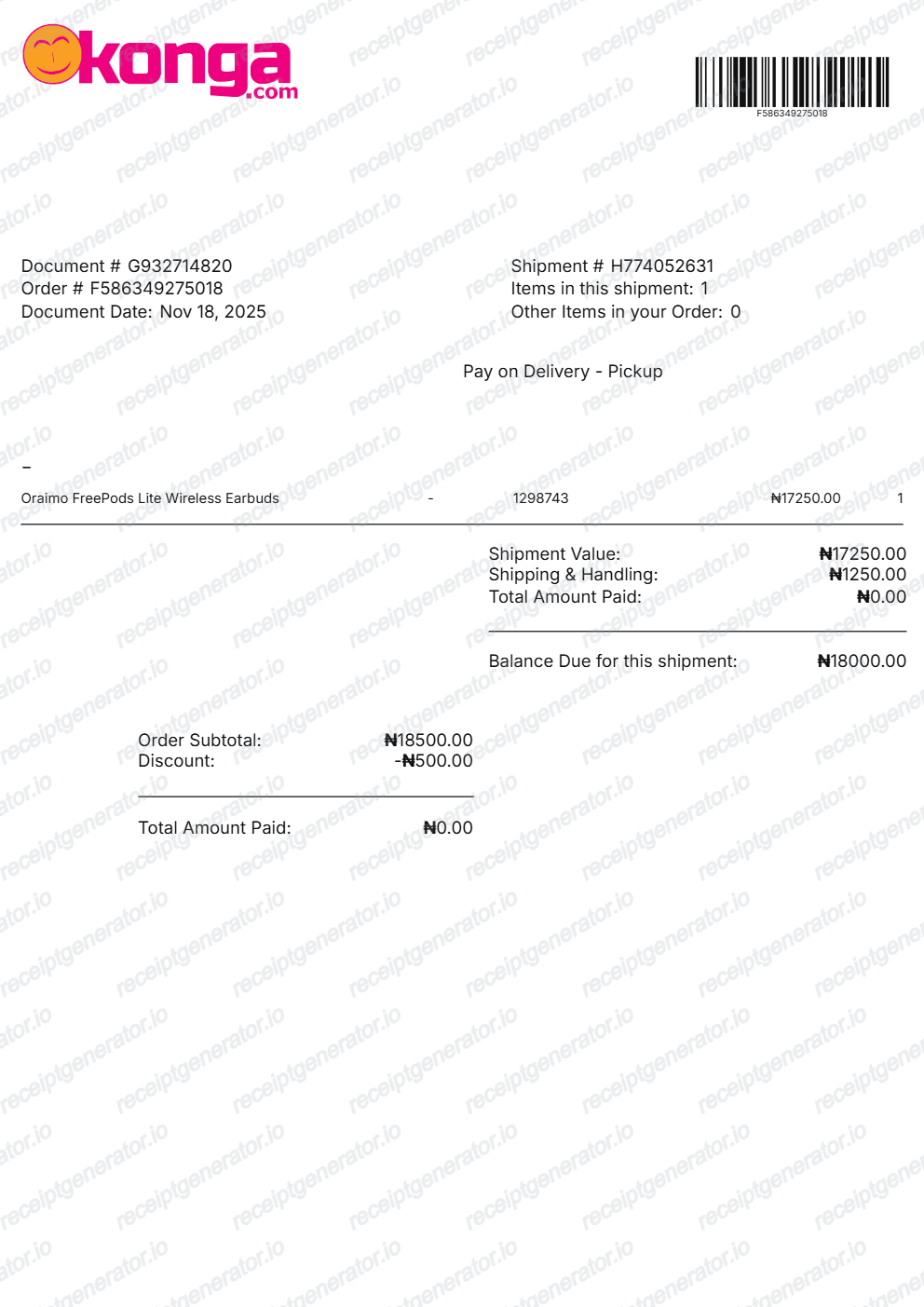
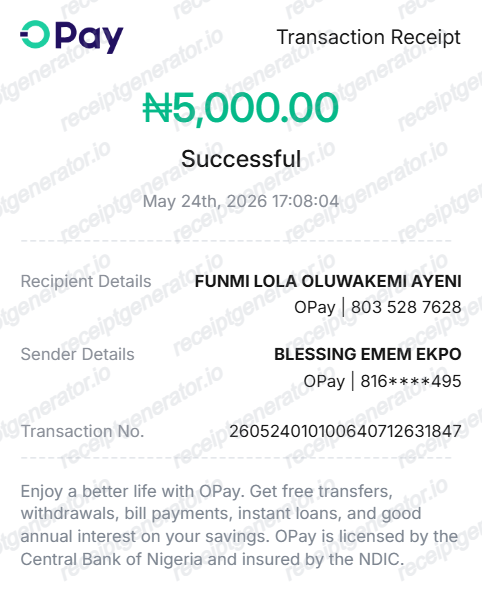
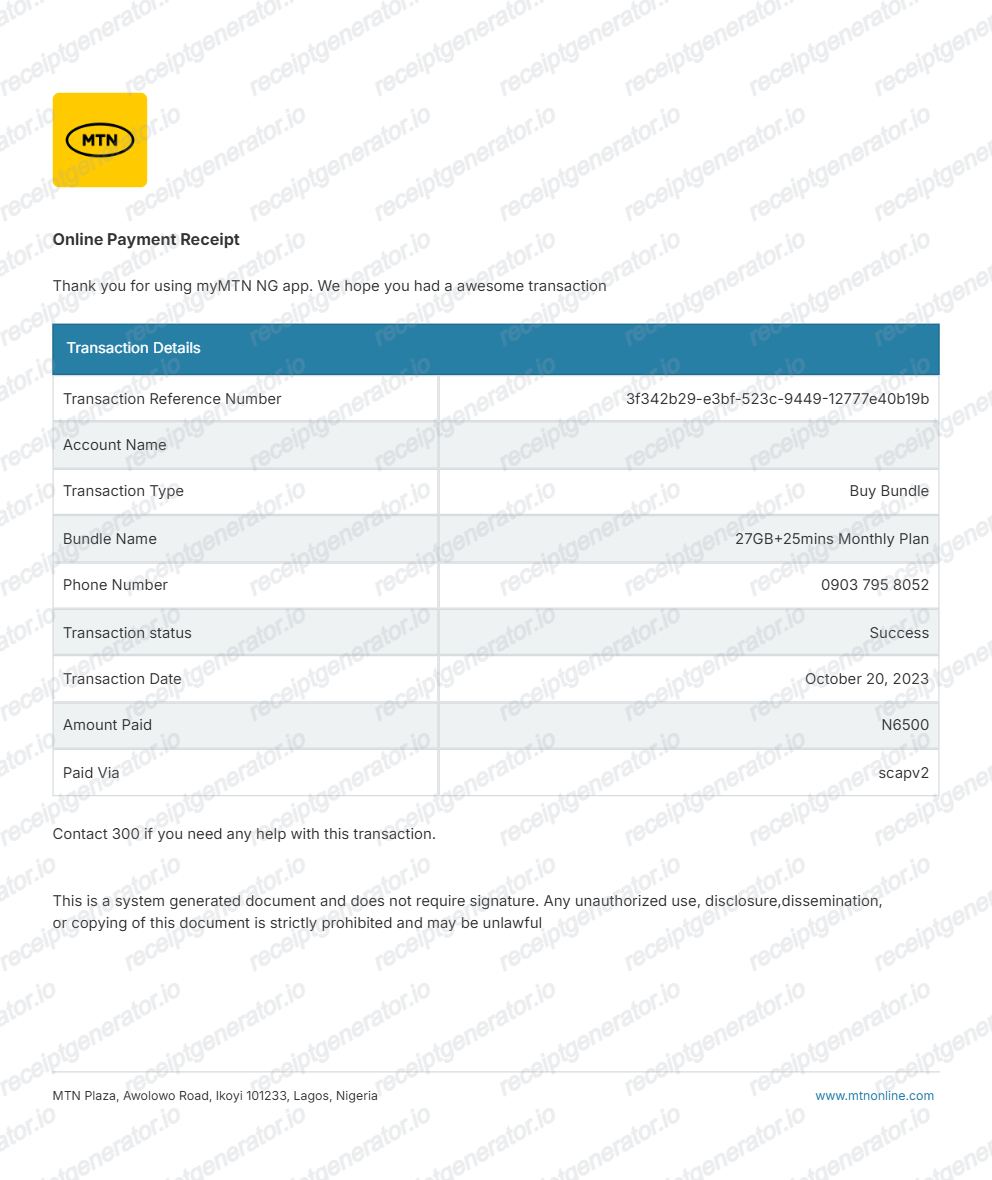
More Nigeria Receipt Templates
Browse our collection of receipt templates for various purposes.
Jumia Invoice FAQ
Common questions about creating and downloading a Jumia Invoice-style tax invoice.
Open the Jumia Invoice generator, edit the details, line items, charges, taxes, and total, then preview and download as a PDF.
Sign in to your Jumia account on the app or website, open Orders, select the order, and view or download the invoice from the order details. Jumia also sends an order confirmation email with the order number and totals when you place the order, so search your inbox for the order number if the account is inaccessible.
Yes. Pay on delivery is settled in cash or with a local Mastercard, Visa, or Verve card on the rider's POS machine, and card payments produce a POS slip at handover. The order invoice in your Jumia account remains the main document for the purchase - keep the POS slip with it as proof of payment for expense or reimbursement records.
Yes. Every field — line items, charges, taxes, and totals — is editable so the document matches your order.
A Jumia order invoice shows the order number, the order and invoice dates, the seller's business details - Jumia is a marketplace, so the selling merchant is identified on the document - the buyer's name and delivery address, each item with quantity and unit price in Naira, any shipping fee as its own line, VAT at Nigeria's 7.5% standard rate, and the grand total.
Receipt Generator · Receipt Maker · 300+ Free Templates
Create your Jumia invoice
Use the editable Jumia invoice generator to add seller details, TIN, line items, shipping fees, and 7.5% VAT totals, then export a clean PDF.