Shell Receipt Generator
Create a Shell-style gas receipt with station details, pump number, gallons, price per gallon, payment total, and card approval lines. Preview it live and export a PDF.
Create a Shell-style fuel receipt with station address, pump number, gallons, price per gallon, totals, and card details. Download a clean PDF for fuel records.

Choose
Shell Receipt selected

Customize
Fill in your details

Download
Save or share receipt
Edit the details once and the preview updates instantly.
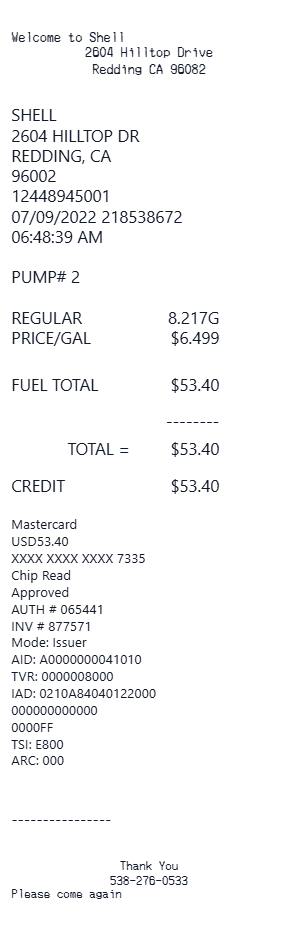
Quick summary
Shell receipt template overview
Use this Shell-style receipt template to build a compact fuel receipt with station information, pump details, fuel purchase lines, payment total, and card approval details.
What Is on a Real Shell Gas Receipt?
Shell pump receipts in the US follow a consistent structure. Before you rebuild one, it helps to know exactly which lines the original prints.
Pump, grade, and gallons to 3 decimals
A real Shell pump receipt lists the pump number, the fuel grade (Regular, Plus, or V-Power NiTRO+ Premium), gallons dispensed to three decimals like 10.482, and a price per gallon that ends in nine-tenths of a cent, such as $3.499.
Fuel Rewards savings line
When a Fuel Rewards member fills up, the receipt shows the cents-per-gallon discount as its own line, with the street price and the discounted per-gallon price both visible. Non-members see the posted price only.
Site number and station address
Shell receipts print the individual station's street address and an internal site or store number in the header. Most US Shell stations are dealer-operated, so the merchant name on your card statement may differ from 'Shell'.
Card approval block
Card-paid receipts include the card type, the masked number showing only the last 4 digits, the entry method (chip, tap, or swipe), an approval or authorization code, and an invoice or reference number that identifies the transaction.
No separate sales tax line on fuel
US federal and state fuel excise taxes are built into the advertised per-gallon price, so gas-only receipts typically show no separate tax line. If the transaction includes convenience store items, those are taxed and itemized separately.
Digital eReceipts in the Shell App
Purchases paid through the Shell App generate an instant digital receipt stored in the app's Receipts section, which mirrors the paper layout with pump, gallons, price, and payment details.
Preview a Shell-style fuel receipt before export
Edit the layout, watch it update live, then print, download PDF, or email.
Live receipt preview
See the Shell-style receipt update while you edit text, spacing, font, and totals.
Fuel-specific fields
Use fields for pump number, fuel grade, gallons, unit price, and total.
Payment details
Add card type, masked card number, approval code, invoice number, and chip read status.
Downloadable PDF
Export a print-ready Shell-style fuel receipt when the preview looks right.
Get Your Original Shell Receipt First
If you paid through the Shell App, tap Receipts on the home screen to view and share the digital receipt. For pump or in-store purchases, return to the station - staff can usually pull the transaction from their system or issue a manual receipt if you provide the date, time, and payment method. Use this template when the original is unavailable - the pump did not print, the thermal paper faded, or the station cannot retrieve the transaction.
Fuel expense records
Prepare a clean fuel purchase record for reimbursement or bookkeeping workflows.
Fleet tracking
Document pump, gallons, price per gallon, and payment details for vehicle fuel logs.
Missing receipt backup
Recreate a Shell-style layout when you need a readable backup based on verified transaction details.
Shell, Fuel & Payment Receipt Support
Create a Shell-style gas receipt with fuel and payment details in one editable layout.
Shell Gas Receipt
A compact fuel station receipt with pump number, gallons, price per gallon, and total.
Credit Card Fuel Receipt
Includes masked card details, chip read, approval code, and invoice number.
Fleet Fuel Record
Useful for mileage logs, vehicle expense tracking, and fuel documentation.
Fuel Receipt Guides
Read supporting guides for fuel receipts, reimbursement records, and tax documentation.
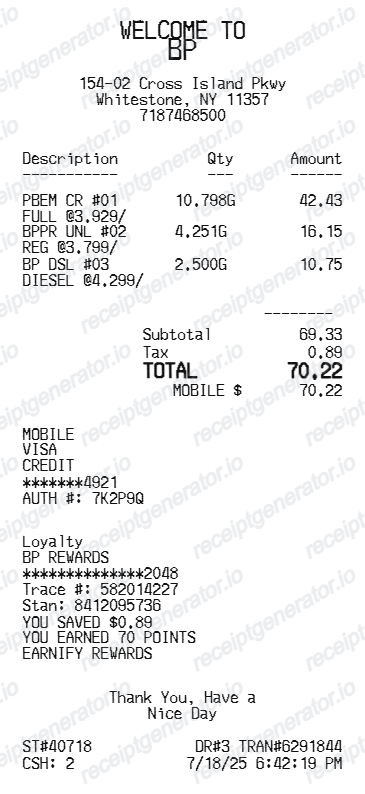
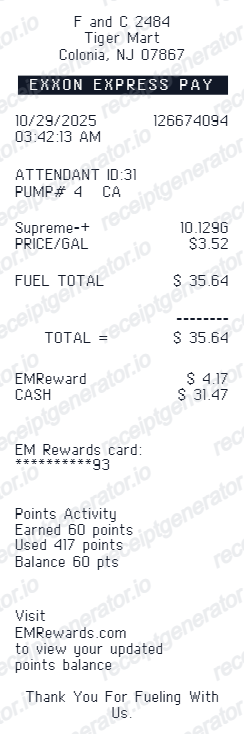
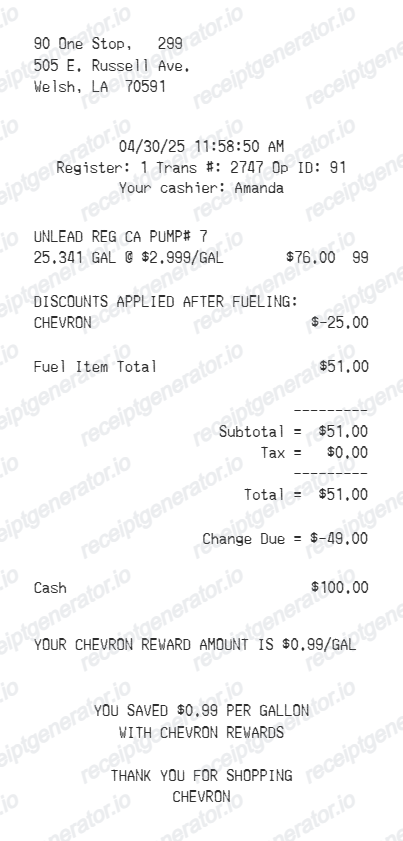
Related fuel purchase records templates
Browse our collection of receipt templates for various purposes.


Shell Receipt FAQ
Answers about creating, editing, and exporting a Shell-style fuel receipt.
Yes. Use the Shell receipt generator to edit the station name, address, pump number, fuel quantity, price per gallon, payment total, and card details.
Yes. After editing the receipt details, you can preview and download the Shell-style receipt as a PDF.
If you paid with the Shell App, open the app and tap Receipts on the home screen to view your digital receipt. Otherwise, visit the station where you fueled - staff can usually pull the transaction and reprint it, or issue a manual receipt if you provide the date, time, pump number, and payment method. A card statement can back up the amount if the station cannot retrieve it.
Yes. If you deduct vehicle costs using the actual expense method, the IRS expects receipts documenting fuel purchases, and most employers require an itemized receipt showing station, date, gallons, and total for reimbursement. Note that drivers using the standard mileage rate need a mileage log rather than fuel receipts.
Yes. The fuel details section includes editable rows for gallons and price per gallon, with totals available in the receipt summary.
No. This is an editable Shell-style template for documentation workflows. It is not issued by Shell or a Shell point-of-sale system.
A real Shell pump receipt shows the station address and site number, the date and time, the pump number, the fuel grade, gallons to three decimals, a price per gallon ending in nine-tenths of a cent, any Fuel Rewards discount as its own line, the total, and a card block with the masked card number, entry method, approval code, and invoice number.
Receipt Generator · Receipt Maker · 300+ Free Templates
Create your Shell-style receipt
Use the editable Shell receipt generator to preview fuel and payment details, then export a PDF for your records.