Dunkin' Receipt Generator
Create a Dunkin'-style receipt with store details, coffee and food item rows, tax, total, survey and promotional footer text, and card or cash payment. Preview live and export a PDF.
Check Dunkin' order history first, then create a personal Dunkin'-style record with verified store, coffee, food, tax, total, and payment details.

Choose
Dunkin' Receipt selected

Customize
Fill in your details

Download
Save or share receipt
Edit the details once and the preview updates instantly.
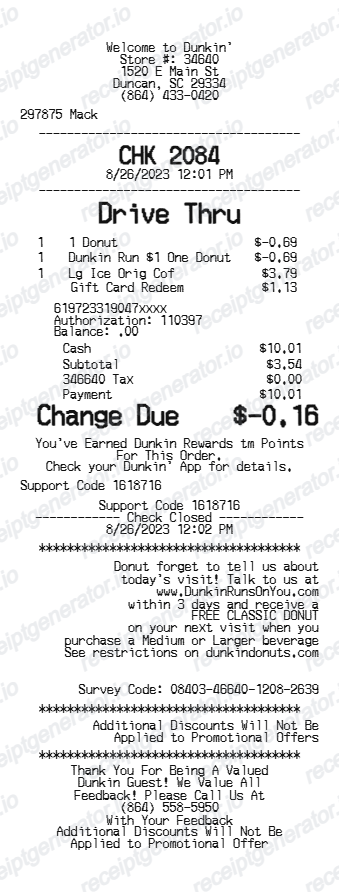
Get Your Original Dunkin' Receipt First
For Mobile Order Ahead purchases, sign in to the Dunkin' App or DunkinDonuts.com and open order history. For an in-restaurant or drive-thru purchase, contact the specific franchised location and use the date, order details, and payment information you can verify. The template below is only a personal record and cannot retrieve or replace a Dunkin'-issued receipt.
Official receipt retrieval
Coffee and meal expense records
Organize verified coffee, food, tax, total, and payment information for a personal meal-cost log.
Lost receipt recovery
Reconstruct known order details after checking signed-in Dunkin' order history for the original record.
Receipt mockups
Use the Dunkin'-style layout for demos, training materials, or presentation mockups.
Business breakfast documentation
Organize known team-breakfast details for internal review; use the Dunkin'-issued record for expense reporting.
Dunkin' Receipt Formats
Choose the Dunkin'-style receipt layout that best matches your coffee order, breakfast meal, or loyalty receipt needs.
Dunkin' Coffee Receipt
A Dunkin'-style receipt with coffee and drink rows, food items, tax, and payment summary.
Breakfast Order Receipt
A receipt showing coffee, donuts, bagels, breakfast sandwiches, and hash brown rows with totals.
Dunkin' Promotional Receipt
A Dunkin' receipt with editable survey details, discount notices, and promotional footer messaging.
Restaurant Receipt Guides
Read supporting guides for restaurant receipts, meal reimbursement, and coffee expense documentation.
Restaurant Receipt for Reimbursement
See what expense teams require from a restaurant receipt for meal reimbursement approval.
Explore Restaurant Receipt for ReimbursementRestaurant Receipt for Taxes
Review the restaurant receipt fields that matter most for business meal documentation.
Explore Restaurant Receipt for TaxesQuick summary
Dunkin' receipt template overview
Use this Dunkin'-style receipt template to build a complete coffee shop receipt with store details, coffee and food rows, drink customization lines, subtotal, tax, payment summary, and promotional footer.
What Is on a Real Dunkin' Receipt?
Dunkin' counter, drive-thru, and mobile-order records contain store, order, item, rewards, tax, and payment fields. Use these details to understand the layout without presenting a personal record as merchant-issued proof.
Dunkin' Rewards points, successor to DD Perks
Dunkin' Rewards (which replaced the earlier DD Perks program in 2023) earns points on qualifying purchases when a member scans the app or pays with a registered Dunkin' account; the points earned and updated balance print on the receipt for in-store transactions.
Mobile Order Ahead receipts show a pickup method
Orders placed through On-the-Go Mobile Ordering in the app print with the selected pickup method - in-restaurant, drive-thru, or curbside - along with a confirmation that the order was prepaid through the app rather than at the counter.
Store number identifies the specific location
Since Dunkin' is almost entirely franchise-operated, the receipt header carries a store number and address specific to that location, which matters because menu pricing and promotions can vary by franchise owner.
Drink customization lines print beneath each item
Size, milk type, flavor shots, sweetener, and temperature (iced/hot) print as indented modifier lines directly under the drink they belong to, matching how the register groups a customized order.
Card payment shows masked digits and approval code
Card transactions display the card type, last four digits, and an approval code; cash transactions instead show amount tendered and change due.
Tax reflects state and local rates on prepared food
Sales tax on coffee, baked goods, and breakfast sandwiches varies by state and locality since prepared food tax rules differ, so the tax line reflects that specific store's combined rate.
Create a print-ready Dunkin' receipt
Edit the layout, watch it update live, then print, download PDF, or email.
Live Dunkin' receipt preview
Watch the receipt update instantly as you edit store details, coffee and food item rows, customization lines, totals, and payment information.
Editable receipt sections
Update store header, order number, coffee and food rows, modifier lines, totals, payment details, and survey or promotional footer text.
Download as PDF
Export a clean Dunkin'-style receipt PDF when your order details are ready.
Mobile-friendly editor
Create, preview, and revise the Dunkin' receipt from desktop or mobile.
Related Other Receipt Templates
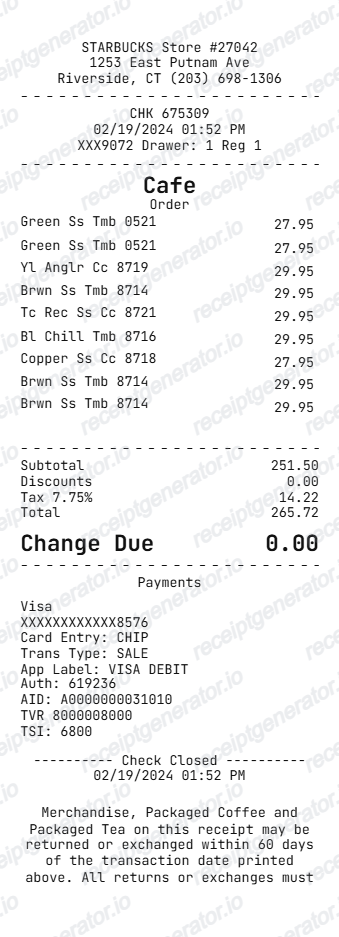
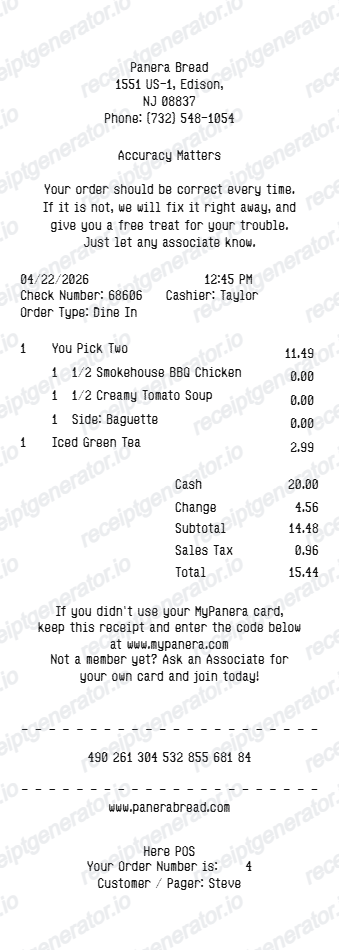
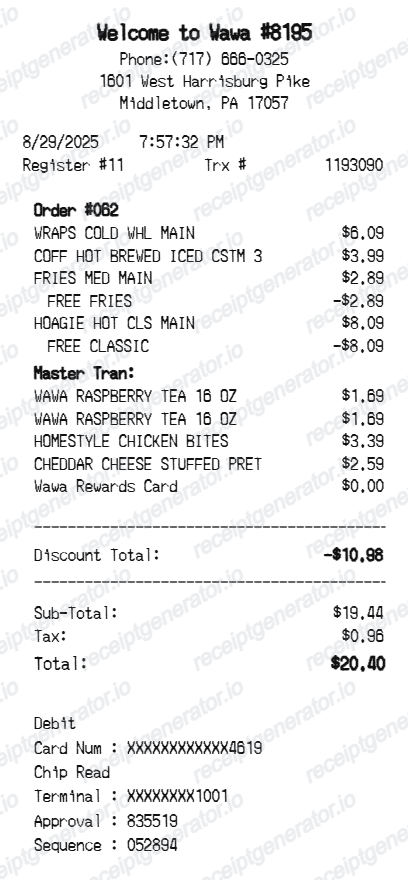
More free receipt templates for coffee shops, fast casual restaurants, and breakfast meal expense records.
Dunkin' Receipt FAQ
Common questions about finding Dunkin' order history and organizing verified coffee, food, tax, rewards, and payment details in a personal record.
Open the Dunkin' receipt generator, edit the store details, order date, coffee and food item rows, subtotal, tax, total, and payment section, then preview and download the receipt as a PDF.
Yes. Each item row supports indented modifier lines for drink size, milk type, flavor shots, sweetener, and temperature preferences.
Yes. The payment section supports card payment with masked card number and approval code, or cash payment with cash tendered and change due.
A real Dunkin' receipt shows the franchised store number and address, order number, date and time, itemized coffee and food rows with modifier lines for size, milk, and flavor shots, subtotal, tax, total, the payment method with masked card digits or cash tendered and change, and Dunkin' Rewards points earned if the account was linked.
Add the store name, purchase date, line items, totals, tax, payment method, and any optional notes you need on your Dunkin' template.
Yes. Add lattes, espresso, hot coffee, iced coffee, donuts, bagels, breakfast sandwiches, Munchkins, and other items with quantities and prices.
Yes. The receipt footer supports editable check-close details, survey text, survey codes, discount notices, and promotional messaging.
For Mobile Order Ahead purchases, open Order History in the Dunkin' App to view the receipt. For a counter or drive-thru purchase, check your card statement for the charge and date, since Dunkin' does not provide a central online lookup for walk-in paper receipts.
Dunkin' Rewards replaced DD Perks. Current points and order-history information is available in the Dunkin' App or on DunkinDonuts.com when signed in.
Both. You can use these templates for reimbursements, bookkeeping prep, and internal documentation workflows.
Receipt Generator · Receipt Maker · 300+ Free Templates
Create your Dunkin' receipt
Use the editable Dunkin' receipt generator to add coffee and food rows, drink customization lines, totals, and payment details, then export a clean PDF for your records.