Chick-fil-A Receipt Generator
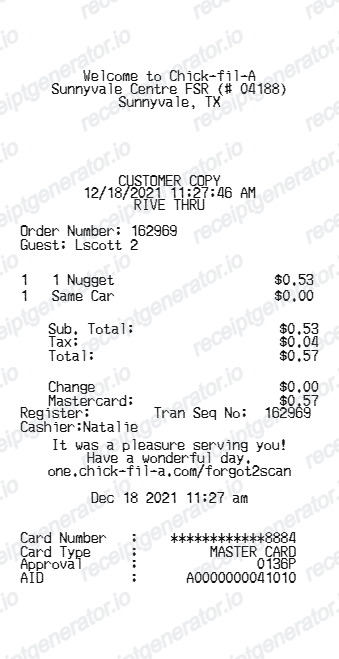
Create a Chick-fil-A-style drive-thru receipt with store details, order items, totals, survey footer, and card payment approval.
Create a Chick-fil-A-style receipt with editable store details, order number, item rows, tax, total, cashier details, and card payment information. Download a clean PDF quickly.

Choose
Chick-fil-A Receipt selected

Customize
Fill in your details

Download
Save or share receipt
Edit the details once and the preview updates instantly.
Quick summary
Chick-fil-A receipt template overview
Use this Chick-fil-A-style receipt template to build a compact drive-thru receipt with store details, order number, item rows, tax, total, survey footer, and card payment approval.
What Is on a Real Chick-fil-A Receipt?
A real Chick-fil-A receipt follows a consistent drive-thru or counter format, and a credible replacement copy should match it field for field.
Chick-fil-A One points, 10 per dollar
Chick-fil-A One members earn 10 points per qualifying dollar spent, and in-restaurant receipts print the points earned when the app is scanned or the order is linked to the account.
Receipt scan recovers missed points
If a member forgets to scan the app during checkout, Chick-fil-A One lets them submit a missed-transaction request using the receipt details, so keeping the physical or photographed receipt matters for that vertical specifically.
Store number tied to a specific franchised location
Each Chick-fil-A restaurant is independently operated by a franchised Operator, so the receipt header carries that location's store number and address rather than a shared corporate identifier.
Order number and guest name for drive-thru
Drive-thru and counter orders print an order number and, often, the name given at the register, since Chick-fil-A commonly delivers orders by name rather than calling a number.
App order history covers mobile and drive-thru orders
Orders placed through the Chick-fil-A App show up in in-app order history for reordering, but orders placed through third-party delivery apps like DoorDash or Uber Eats do not appear there.
Card payment shows masked digits and approval code
Card transactions display the card type, last four digits, and an approval/authorization code; cash transactions instead show amount tendered and change due.
Create a print-ready Chick-fil-A receipt
Edit the layout, watch it update live, then print, download PDF, or email.
Live Chick-fil-A receipt preview
Watch the receipt update instantly as you edit order details, items, totals, and payment information.
One-click print
Print the Chick-fil-A-style receipt directly from the browser.
Download as PDF
Export a clean Chick-fil-A receipt PDF in seconds.
Mobile-friendly editor
Create and edit the receipt from desktop or mobile.
Get Your Original Chick-fil-A Receipt First
For mobile and drive-thru orders placed through the Chick-fil-A App, open Order History under your account to view past purchases. For an in-restaurant purchase where you forgot to scan for points, Chick-fil-A One lets you submit a missed-transaction request with the receipt details through your account, though you generally need the original receipt on hand. Use this template when the original is unavailable - a paper receipt that faded, a purchase with no digital copy, or a reimbursement form that needs a clean copy.
Fast food purchase records
Document a Chick-fil-A order with item lines and payment details.
Receipt mockups
Use the Chick-fil-A-style layout for examples, demos, or presentation mockups.
Meal expense examples
Create a fast food receipt format for internal examples or documentation.
Drive-thru order records
Show order number, timestamp, cashier, items, totals, and card payment details.
Chick-fil-A Receipt Formats
Choose the Chick-fil-A-style receipt layout that best matches your fast food order record.
Drive-Thru Receipt
A Chick-fil-A-style receipt for drive-thru food orders.
Card Payment Receipt
A receipt format with masked card details, approval code, and AID.
Itemized Food Receipt
A compact receipt showing menu item rows, tax, and total.
Restaurant Receipt Guides
Read supporting guides for restaurant receipts, meal reimbursement, and fast food expense records.
Restaurant Receipt for Reimbursement
See what expense teams require from a restaurant receipt for meal reimbursement approval.
Explore Restaurant Receipt for ReimbursementRestaurant Receipt for Taxes
Review the restaurant receipt fields that matter most for business meal documentation.
Explore Restaurant Receipt for TaxesRelated Other Receipt Templates
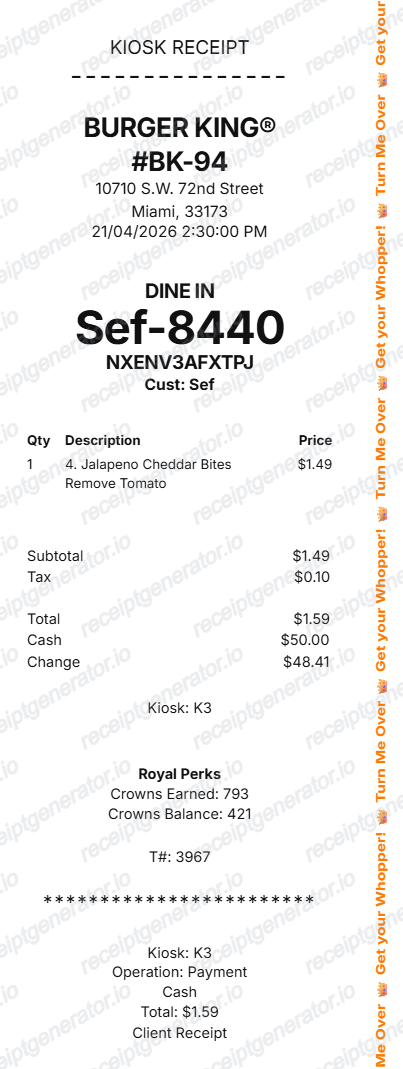
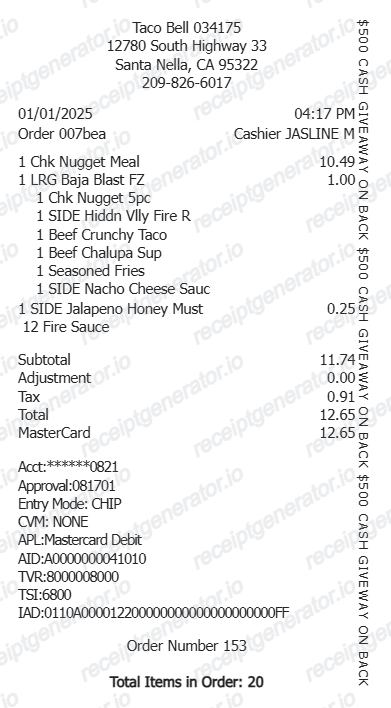
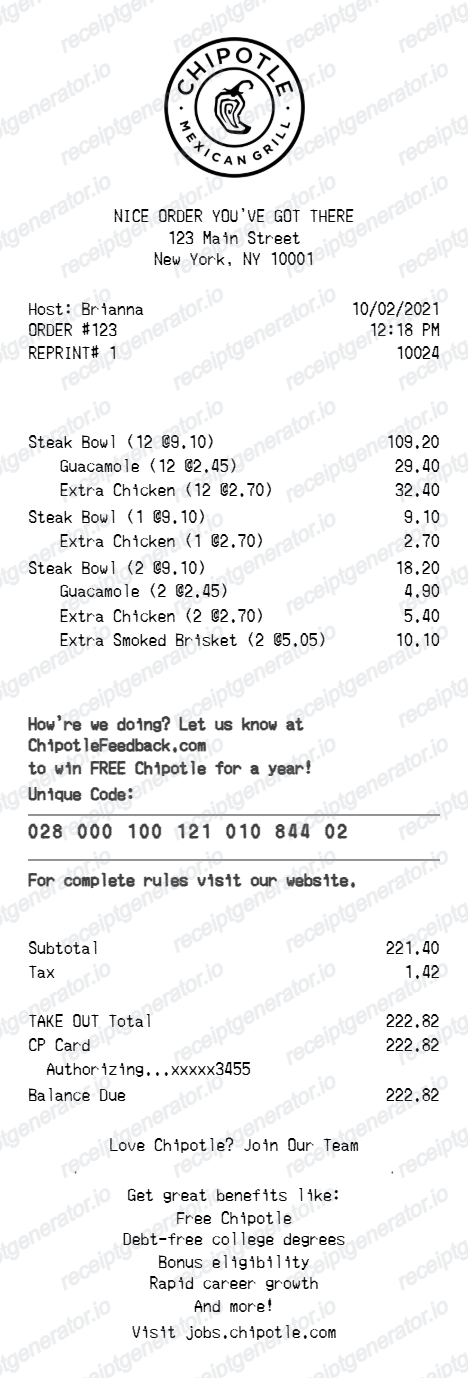
More free receipt templates for fast food, restaurants, takeout, and drive-thru orders.
Chick-fil-A Receipt FAQ
Common questions about creating, editing, and downloading a Chick-fil-A-style fast food receipt.
Choose the Chick-fil-A receipt template, edit the store details, order number, item rows, tax, total, and payment details, then preview and download the receipt as a PDF.
Yes. You can update item names, quantities, prices, subtotal, tax, and total to match the receipt details you need.
Yes. You can download or print a clean Chick-fil-A-style receipt PDF directly from the generator.
A real Chick-fil-A receipt shows the franchised location's store number and address, the order number and often the guest name, itemized menu items with quantities and prices, subtotal, tax, total, the payment method with masked card digits or cash tendered and change, and Chick-fil-A One points earned if the account was linked at checkout.
Add the store name, purchase date, line items, totals, tax, payment method, and any optional notes you need on your Chick-fil-A template.
Yes. The receipt builder lets you edit the customer copy text, timestamp, drive-thru label, order number, guest name, cashier, and transaction sequence.
Yes. The card number mask, card type, approval code, AID, change, and Mastercard total are editable in the builder.
For app or drive-thru orders placed through the Chick-fil-A App, check Order History in your account. For an in-restaurant purchase with no app order, you generally need the original paper receipt or a card statement showing the charge, date, and amount, since Chick-fil-A does not maintain a central lookup for walk-in paper receipts.
Yes, in some cases. Chick-fil-A One allows members to submit a missed-transaction request using the receipt details, but this typically requires the original receipt and is not guaranteed for every purchase.
Both. You can use these templates for reimbursements, bookkeeping prep, and internal documentation workflows.
Receipt Generator · Receipt Maker · 300+ Free Templates
Create your Chick-fil-A receipt
Use the editable Chick-fil-A receipt generator to add drive-thru order details, item rows, totals, and payment information, then export a clean PDF.