Glovo Receipt Generator
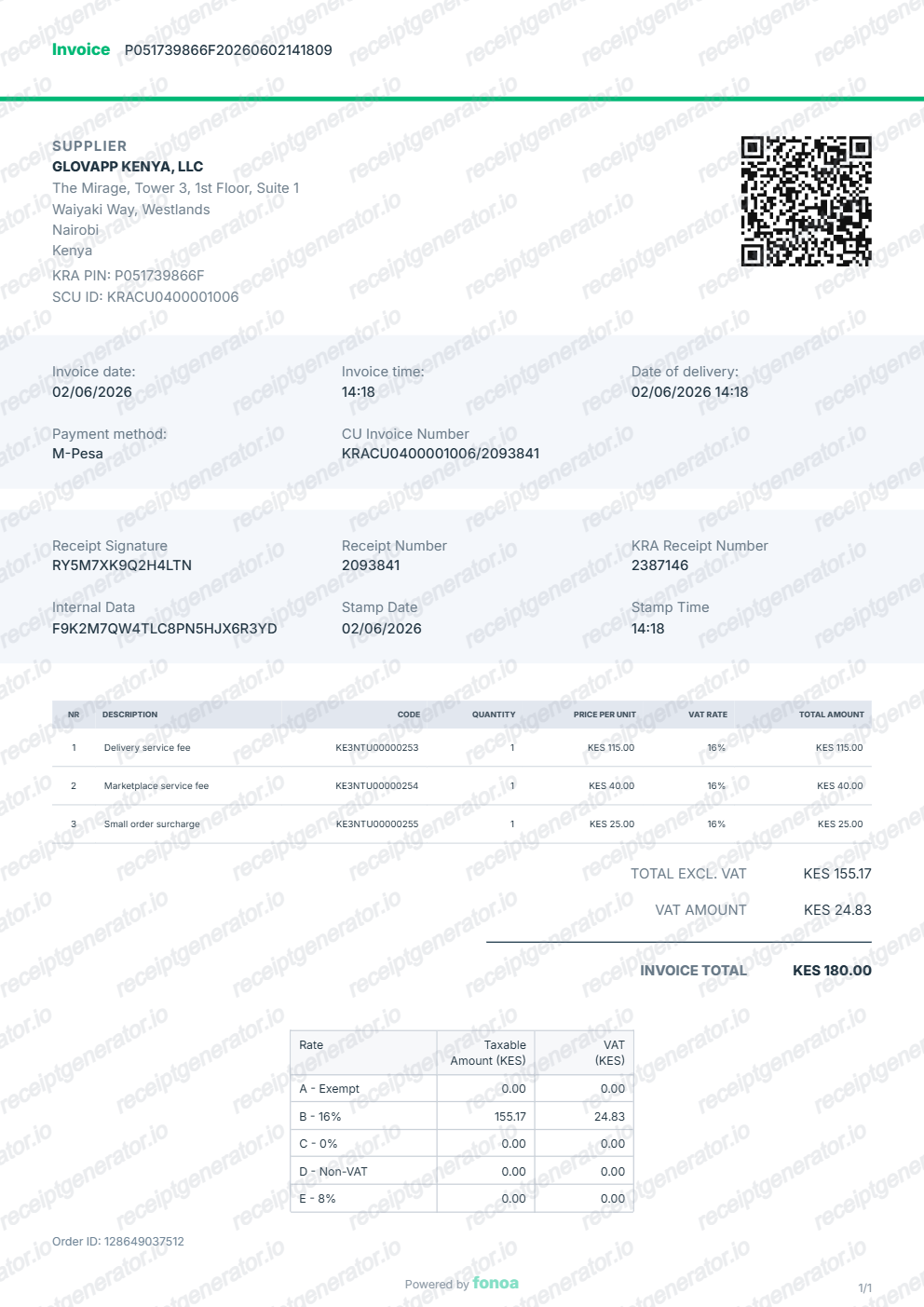
Create a Glovo-style Kenya eTIMS invoice with supplier details, QR code, receipt IDs, item rows, VAT summary, and A4 PDF export.
Create a Glovo-style receipt and Kenya eTIMS invoice with editable supplier information, order details, item rows, VAT breakdown, receipt signature, and QR code.

Choose
Glovo Receipt selected

Customize
Fill in your details

Download
Save or share receipt
Edit the details once and the preview updates instantly.
Quick summary
Glovo receipt template overview
Use this Glovo receipt generator to create authentic itemized receipts with editable products, tax calculations in $, and printable PDF export.
What Is on a Real Glovo Receipt?
Glovo operates as a delivery app across Europe, Latin America, Africa, and parts of Asia - not in the US, unlike DoorDash or Uber Eats - so its receipts follow a fee structure and tax handling that shifts by country.
Item subtotal, delivery fee, and service fee as separate lines
A Glovo order breakdown never bundles delivery into the food price. It lists the item subtotal, a delivery fee based on distance and demand, and a separate small order or service fee, each on its own line before the total.
Receipts live in the app's Order History
Glovo does not email a full itemized receipt by default. The reliable way to retrieve one is opening the app, going to Orders (My Orders / past orders), selecting the order, and viewing or downloading the receipt or invoice from there.
Country-specific VAT and tax handling
Because Glovo runs in many tax jurisdictions - Spain, Italy, Poland, Kenya, Ivory Coast, and more - the tax line on a receipt reflects the local rate and format, from standard EU VAT percentages to Kenya's eTIMS-compliant invoicing with a KRA PIN and QR code.
Business invoice data must be added manually
Glovo does not auto-generate a business tax invoice with your company details. Users who need one must enter their invoicing data (company name, tax ID) in their app profile before the order, or request it afterward through support in markets that support it.
Courier tip shown separately
When a customer adds a tip for the Glovo courier, it appears as its own line item after the service fee and before the final total, distinct from the restaurant's charges.
Order and partner identifiers
Each receipt carries a unique order number tied to both Glovo and the partner restaurant or store, along with the delivery address and timestamps for order placed, picked up, and delivered.
Create a print-ready Glovo receipt
Edit the layout, watch it update live, then print, download PDF, or email.
Live Glovo receipt preview
Watch the Glovo receipt update in real time as you edit item rows, prices, and tax totals.
Print-ready PDF export
Download a clean, high-resolution Glovo-style receipt in PDF format for bookkeeping or expense records.
Editable store & register fields
Customise store location, cashier or lane numbers, transaction reference codes, and payment details in $.
Mobile-friendly generator
Create and preview Glovo receipts instantly on smartphone, tablet, or desktop browser.
Get Your Original Glovo Receipt First
The most reliable copy is in the app: open Glovo, go to Orders, select the past order, and view or download the receipt/invoice from the order details screen. If your account requires a formal tax invoice, add your invoicing details in your profile beforehand, since Glovo does not retroactively generate business invoices for most markets. Use this template when the original is unavailable - a deleted account, an order placed by someone else, or an app that no longer lists old orders.
Expense & reimbursement documentation
Document Glovo purchases with itemized totals and tax lines for personal budgeting or expense reimbursement.
Lost receipt replacement
Recreate a clean itemized receipt record from transaction details when original thermal till slips are lost or faded.
Warranty & purchase recordkeeping
Maintain verifiable purchase documentation with date, time, and register references for inventory and record tracking.
Glovo Receipt Formats
Choose the Glovo receipt format that best matches your documentation and layout needs.
Standard Store Receipt
Standard Glovo till receipt layout with item lines, subtotals, tax breakdown, and payment confirmation.
Itemized Detailed Receipt
Expanded layout with product SKU codes, quantity unit rates, discounts, and store register metadata.
Digital Order & Invoice
Clean electronic invoice format with customer reference numbers, transaction IDs, and payment method details in $.
Related Guides
Helpful guides for delivery receipts, invoices, and reimbursement records.
Food Delivery Bill for Reimbursement
Learn which details a food delivery receipt should include for expense and reimbursement records.
Explore Food Delivery Bill for ReimbursementRestaurant Receipt for Reimbursement
Learn which meal details usually matter most for expense review.
Explore Restaurant Receipt for ReimbursementRestaurant Receipt for Taxes
Review the restaurant receipt fields that matter most for business meal documentation.
Explore Restaurant Receipt for TaxesRelated Templates
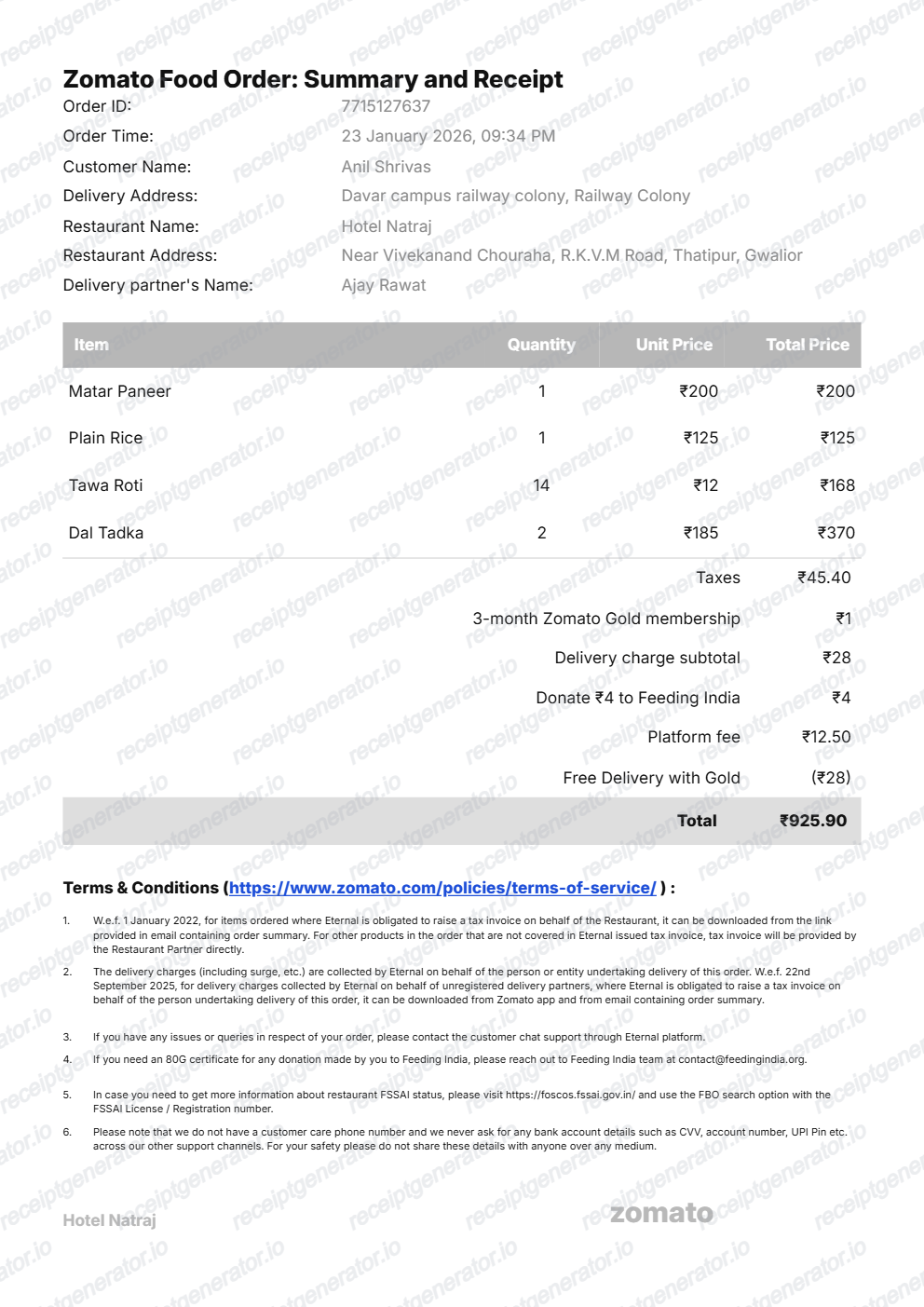
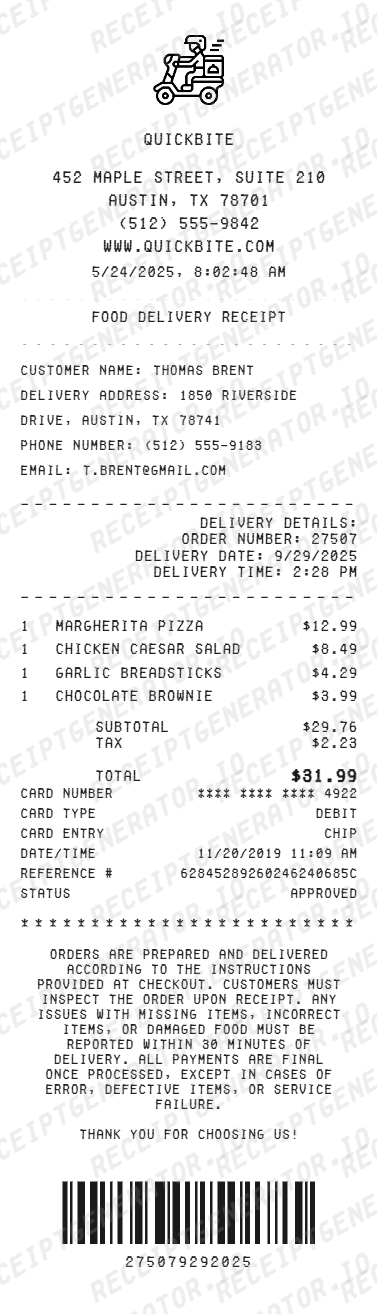
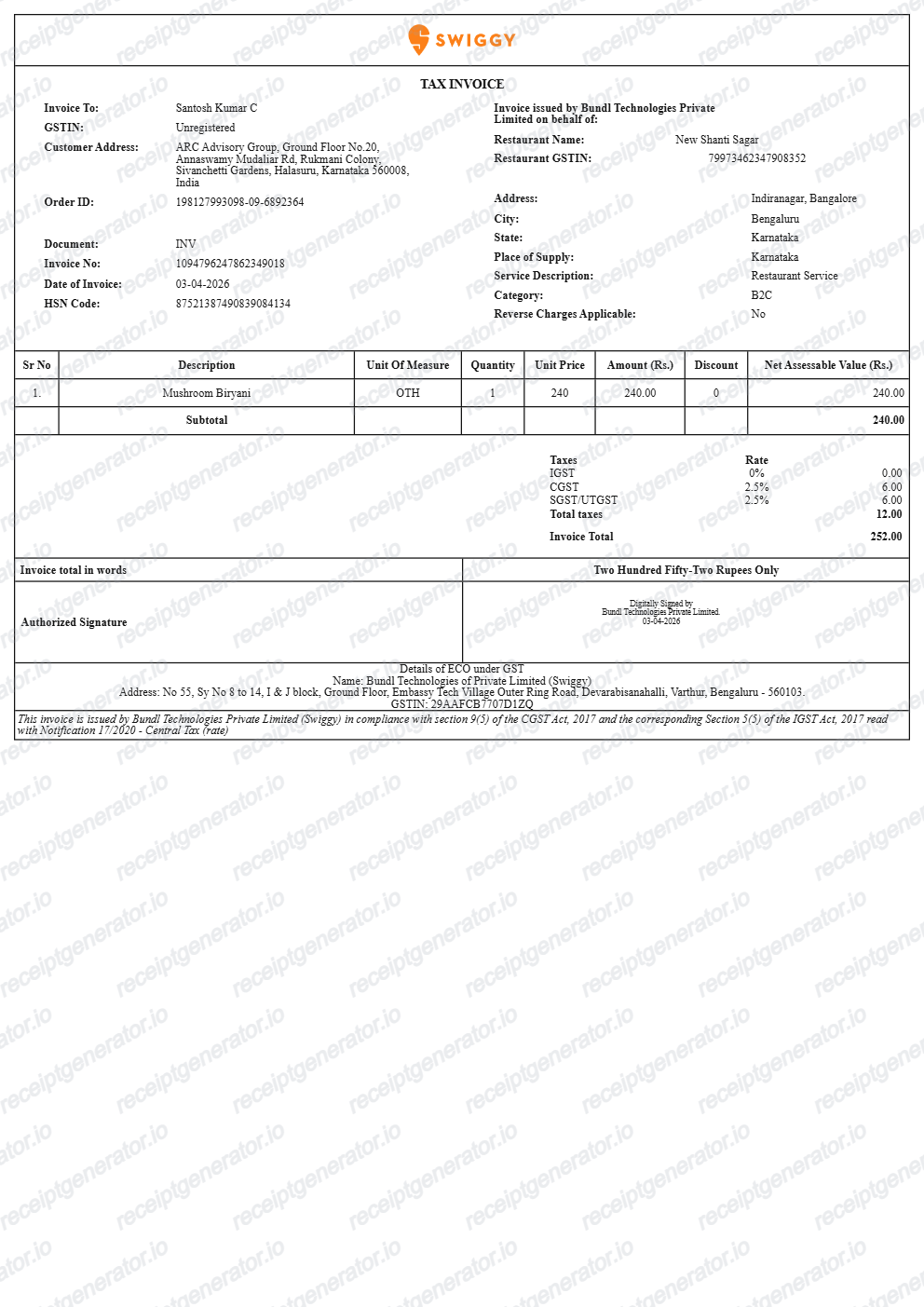
Browse our collection of receipt templates for various purposes.
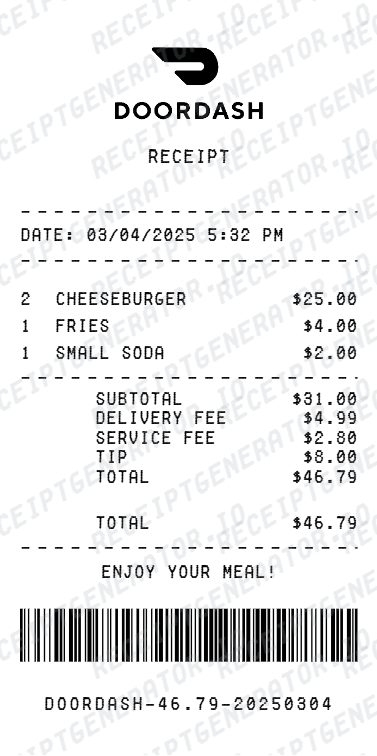
Glovo Receipt FAQ
Common questions about creating, editing, and downloading a Glovo-style receipt.
Open the Glovo receipt generator, edit the supplier details, invoice fields, item rows, VAT summary, receipt IDs, and QR-related values, then preview and download the PDF.
Yes. You can preview the Glovo-style receipt and export it as a print-ready PDF from the generator.
A real Glovo receipt shows the partner restaurant or store name, each ordered item with its price, the item subtotal, a separate delivery fee, a small order or service fee, an optional courier tip, the applicable local tax, and the payment method - all tied to a unique order number and delivery timestamp.
Add the store name, purchase date, line items, totals, tax, payment method, and any optional notes you need on your Glovo template.
This tool creates an editable Glovo style layout for documentation. It is not issued by the original merchant or brand system.
Yes. The template includes editable KRA PIN, SCU ID, receipt signature, receipt number, VAT summary rows, and adjustment rows.
Open the Glovo app, go to Orders (My Orders), select the order you need, and open the receipt or invoice from the order details screen. Glovo keeps past-order history in the app, so this works even for orders placed weeks earlier, though very old orders in some markets may only be retrievable through support.
No. Glovo operates across many tax jurisdictions in Europe, Latin America, and Africa, so the tax shown on a receipt follows the local rate and format - standard VAT percentages in EU countries, or eTIMS-compliant invoicing with a KRA PIN and QR code in Kenya, for example. There is no single universal tax line.
Both. You can use these templates for reimbursements, bookkeeping prep, and internal documentation workflows.
Yes. The generator works on mobile and desktop so you can edit details, preview changes, and export from either device.
Receipt Generator · Receipt Maker · 300+ Free Templates
Create your Glovo receipt
Use the editable Glovo receipt generator to add items, tax totals, and payment details, then export a clean PDF.