Talabat Receipt Generator
Create a Talabat-style food order bill with restaurant details, TRN, itemised dishes, delivery and service fees, 5% VAT, and total in AED. Preview live and download a PDF.
Create a Talabat-style food order bill with restaurant name, order ID, itemised dishes, delivery fee, service fee, 5% VAT, and total to pay in AED. Download a PDF for expense or reimbursement records.

Choose
Talabat Receipt selected

Customize
Fill in your details

Download
Save or share receipt
Edit the details once and the preview updates instantly.
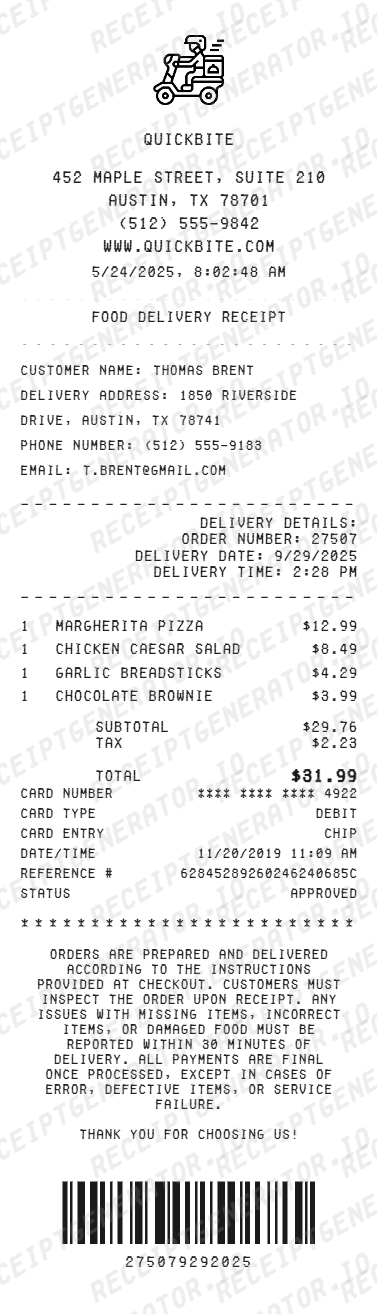
Quick summary
Talabat receipt template overview
Create a Talabat-style food order bill with restaurant details, TRN, itemised dishes, delivery and service fees, 5% VAT, and total in AED. Preview live and download a PDF.
What Is on a Real Talabat Order Bill?
Talabat order bills follow UAE tax-invoice rules, so a credible replacement copy needs to match the fee and VAT structure customers actually see at checkout.
5% VAT clearly itemised
UAE VAT is charged at a standard 5% rate. A compliant order bill shows VAT as its own line rather than folding it into item prices, so the customer can see the tax amount separately from the food subtotal.
Restaurant partner's TRN
Under UAE VAT law, a valid tax invoice must show the supplier's Tax Registration Number (TRN). On Talabat, this is the restaurant partner's TRN, not Talabat's, since the restaurant is the merchant of record for the food sale.
Delivery fee as a separate charge
The delivery fee is itemised apart from the food subtotal and can vary by distance, restaurant tier, or active promotions. Some restaurants also carry a small service fee shown on its own line.
Order ID and restaurant details
Each bill carries a unique order ID, the restaurant name and branch, and the itemised dish list with quantities and unit prices, matching what the restaurant's own POS would print for a dine-in order.
Total to pay in AED
The final total combines the food subtotal, delivery fee, any service fee, and VAT, shown in AED as the amount charged to the customer's card or collected as cash on delivery.
Promotions and discounts shown separately
Discount codes or platform promotions appear as a deduction line before the VAT calculation, since VAT in the UAE is generally computed on the discounted price actually paid.
Create a print-ready Talabat receipt
Edit the layout, watch it update live, then print, download PDF, or email.
Live Talabat receipt preview
Watch the Talabat receipt update in real time as you edit item rows, prices, and tax totals.
Print-ready PDF export
Download a clean, high-resolution Talabat-style receipt in PDF format for bookkeeping or expense records.
Editable store & register fields
Customise store location, cashier or lane numbers, transaction reference codes, and payment details in $.
Mobile-friendly generator
Create and preview Talabat receipts instantly on smartphone, tablet, or desktop browser.
Get Your Original Talabat Receipt First
The original is always the better option if the order still exists: open the Talabat app, go to your Orders history, and view or share the order details and bill. Talabat keeps past order records in-app for account holders, including the VAT and fee breakdown. Use this template when the original is unavailable - a guest checkout with no saved order history, a deleted account, or an order placed by someone else.
Expense & reimbursement documentation
Document Talabat purchases with itemized totals and tax lines for personal budgeting or expense reimbursement.
Lost receipt replacement
Recreate a clean itemized receipt record from transaction details when original thermal till slips are lost or faded.
Warranty & purchase recordkeeping
Maintain verifiable purchase documentation with date, time, and register references for inventory and record tracking.
Talabat Receipt Formats
Choose the Talabat receipt format that best matches your documentation and layout needs.
Standard Store Receipt
Standard Talabat till receipt layout with item lines, subtotals, tax breakdown, and payment confirmation.
Itemized Detailed Receipt
Expanded layout with product SKU codes, quantity unit rates, discounts, and store register metadata.
Digital Order & Invoice
Clean electronic invoice format with customer reference numbers, transaction IDs, and payment method details in $.
Related Guides
Helpful guides on food delivery bills and reimbursement.
Receipt guide
Food Delivery Bill for Reimbursement
Which fields a food delivery bill needs for expense reimbursement.
Explore Food Delivery Bill for ReimbursementEditable template
Restaurant Receipt Generator template
Explore this editable receipt layout and its fields before opening the editor.
Explore Restaurant Receipt Generator templateReceipt guide
Restaurant Receipt for Taxes
Review the restaurant receipt fields that matter most for business meal documentation.
Explore Restaurant Receipt for TaxesRelated Templates
Browse our collection of receipt templates for various purposes.
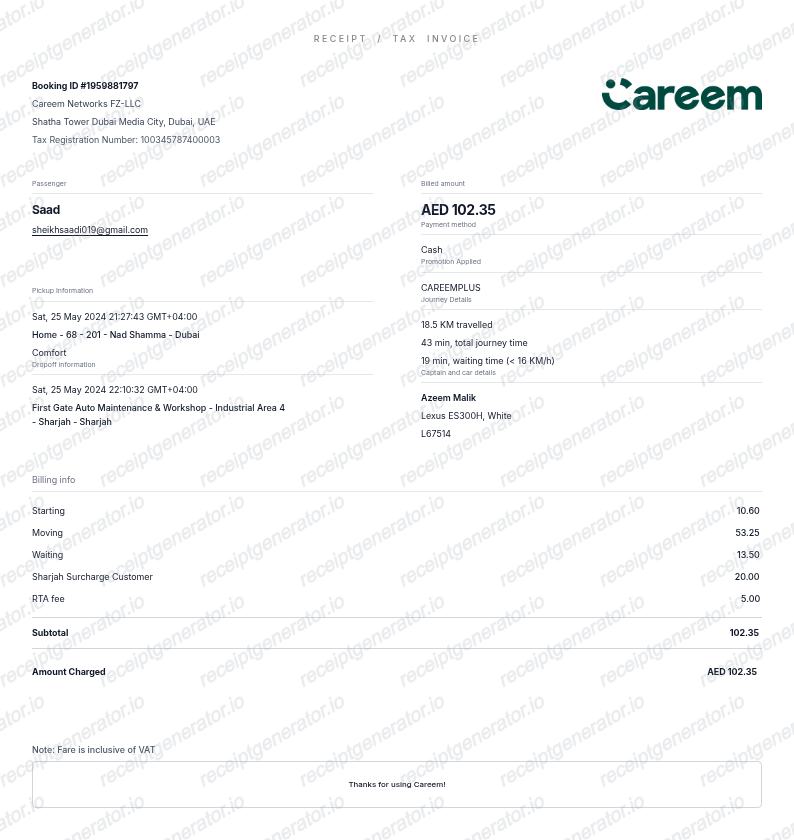
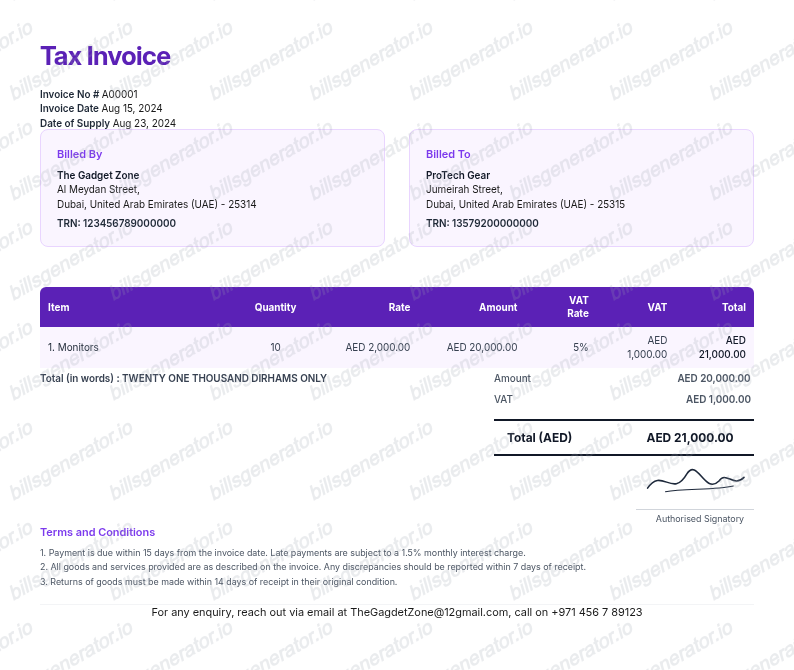
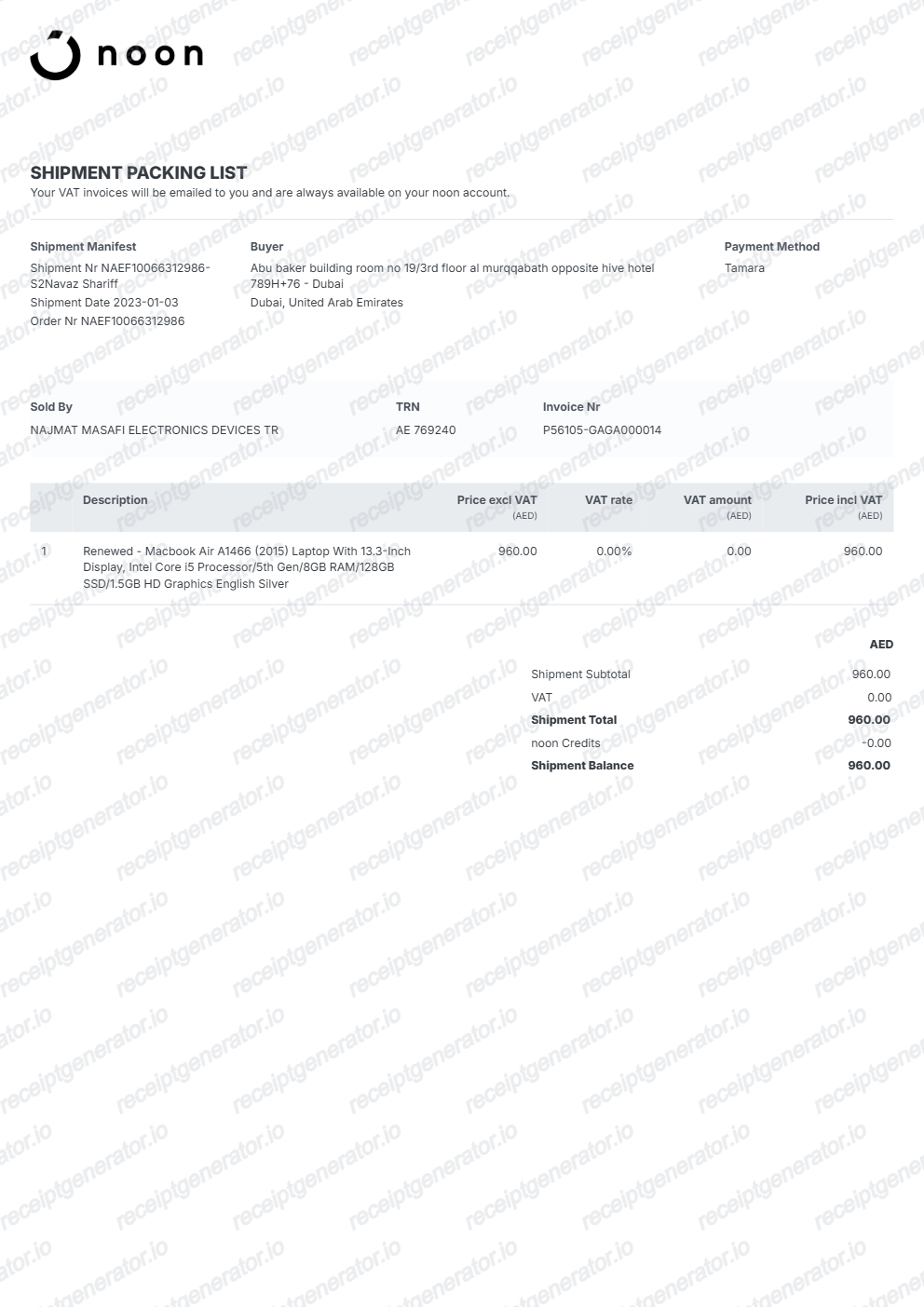
Talabat Receipt FAQ
Common questions about creating, editing, and downloading a Talabat-style food order bill.
Open the Talabat generator, edit the details, line items, charges, taxes, and total, then preview and download as a PDF.
Open the Talabat app, go to Orders, select the past order, and view or share the bill, which includes the itemised dishes, delivery fee, VAT, and total. Talabat retains order history for logged-in accounts; guest checkouts without an account may not have a retrievable order history.
A valid UAE tax invoice needs the supplier's TRN, the VAT amount, and the date, all of which should appear on the restaurant's bill. Whether a food delivery expense qualifies for VAT reclaim depends on your business's VAT registration status and the nature of the expense - check with your tax advisor or the UAE Federal Tax Authority guidance for input VAT recovery rules.
Yes. Every field — line items, charges, taxes, and totals — is editable so the document matches your order.
A real Talabat order bill shows the restaurant name and branch, an order ID, itemised dishes with quantities and prices, a delivery fee, sometimes a service fee, 5% VAT shown as its own line, the restaurant partner's TRN, and the total to pay in AED.
Receipt Generator · Receipt Maker · 300+ Free Templates
Create your Talabat receipt
Use the editable Talabat receipt generator to add items, tax totals, and payment details, then export a clean PDF.