Subway Receipt Generator
Create a Subway-style receipt with store details, sandwich and item rows, customization lines, subtotal, tax, payment details, and MyWay Rewards footer. Preview live and export a PDF.
Create a Subway-style receipt with editable store details, footlong and 6-inch sandwich rows, customization lines, tax, total, and payment information. Download a clean PDF for meal records or expense documentation.

Choose
Subway Receipt selected

Customize
Fill in your details

Download
Save or share receipt
Edit the details once and the preview updates instantly.
Quick summary
Subway receipt template overview
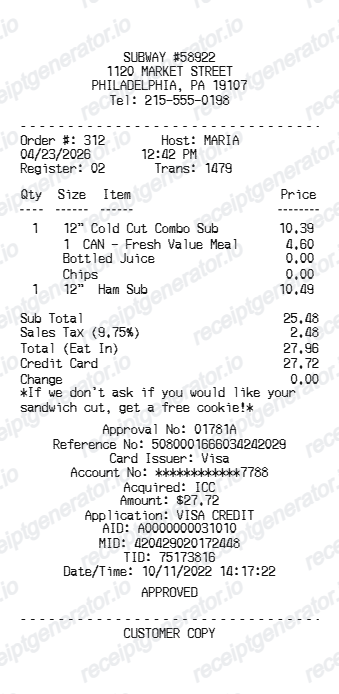
Use this Subway-style receipt template to build a complete POS receipt with store details, sandwich rows, customization lines, subtotal, tax, payment summary, and loyalty footer.
What Is on a Real Subway Receipt?
Subway's US receipts follow a franchise POS format, so a credible replacement copy should match the store numbering, customization detail, and rewards structure of the original.
Store number, not just a name
Every Subway location prints a numeric store ID (formatted like 'SUBWAY #56380') near the header. Since almost every Subway is independently franchised, this number - not the address alone - is what corporate and survey systems use to identify the exact location.
Customization lines under each sandwich
Because Subway builds each sandwich to order, the item row for a footlong or 6-inch sub is usually followed by indented modifier lines for bread, cheese, toasted status, and any extra toppings charged separately.
MyWay Rewards QR code and points line
Receipts include a QR code or survey/rewards prompt customers can scan to add missed points to their MyWay Rewards account after checkout, since points do not always auto-apply if the app wasn't scanned in-store.
Combo and add-on rows priced separately
Chips, cookies, and fountain drinks print as their own line items with individual prices rather than a bundled 'combo' total, since Subway's POS itemizes each component.
Transaction number as a unique identifier
A transaction or order number appears alongside the date and time, letting the store look up a specific sale for a missing-points claim or reprint request.
Sales tax and payment breakdown
Unlike Australia's GST-inclusive pricing, US Subway receipts add sales tax as a separate line after the subtotal, then show card details (masked number and approval code) or cash tendered with change due.
Create a print-ready Subway receipt
Edit the layout, watch it update live, then print, download PDF, or email.
Live Subway receipt preview
Watch the receipt update instantly as you edit store details, sandwich rows, customization lines, totals, and payment information.
Editable receipt sections
Update store header, order date, item rows, modifier lines, totals, payment details, and loyalty footer from one builder.
Download as PDF
Export a clean Subway-style receipt PDF when your order details are ready.
Mobile-friendly editor
Create, preview, and revise the Subway receipt from desktop or mobile.
Get Your Original Subway Receipt First
If you paid by card or scanned your MyWay Rewards QR code, ask the store to reprint the receipt using the transaction number, date, and time - most POS systems can look up a recent sale. Missed loyalty points from an unscanned receipt can also be submitted through Subway's online Missing Tokens Request form within 30 days of purchase. Use this template when the original is unavailable - a faded thermal receipt, a mobile order with no printed copy, or a purchase made too long ago to reprint.
Meal expense records
Document a Subway order with sandwich details, tax, total, and payment information for expense or reimbursement records.
Lost receipt recovery
Recreate a Subway receipt when the original was not printed or was lost after the transaction.
Receipt mockups
Use the Subway-style layout for demos, training materials, or presentation mockups.
Business lunch documentation
Create a clean fast casual receipt for team lunch or client meal expense documentation.
Subway Receipt Formats
Choose the Subway-style receipt layout that best matches your sandwich order, combo meal, or loyalty receipt needs.
Subway Sandwich Receipt
A Subway-style receipt with footlong or 6-inch rows, customization lines, tax, and total.
Combo Meal Receipt
A receipt showing sandwich, drink, chips, and cookie rows with individual prices and payment summary.
MyWay Rewards Receipt
A Subway receipt with loyalty points text, member number, and rewards footer messaging.
Restaurant Receipt Guides
Read supporting guides for restaurant receipts, meal reimbursement, and fast food expense documentation.
Restaurant Receipt for Reimbursement
See what expense teams require from a restaurant receipt for meal reimbursement approval.
Explore Restaurant Receipt for ReimbursementRestaurant Receipt for Taxes
Review what fast food receipt fields matter most for business meal tax deductions.
Explore Restaurant Receipt for TaxesRelated Other Receipt Templates
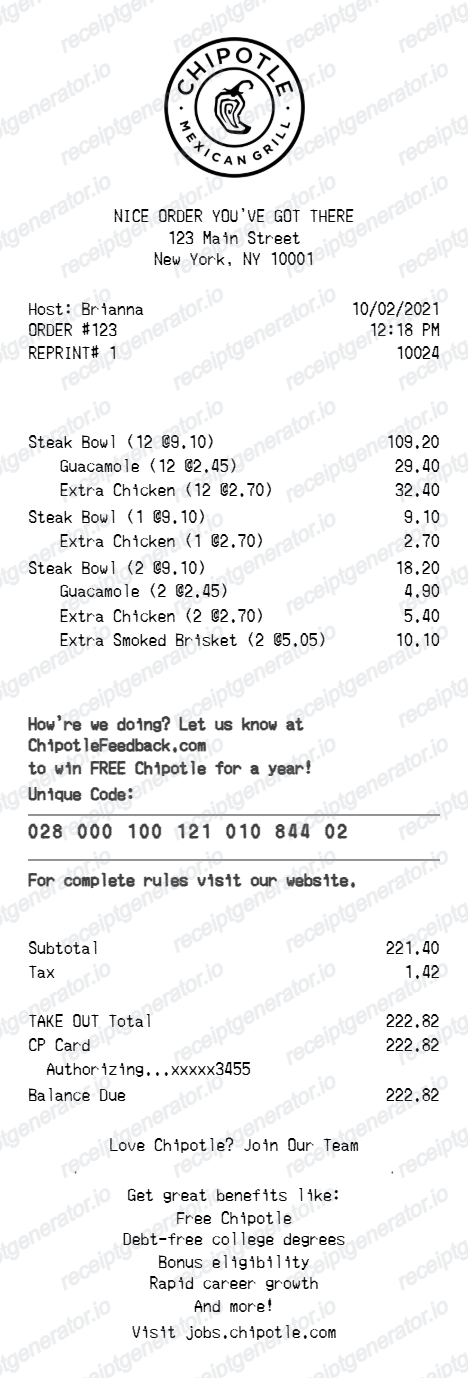
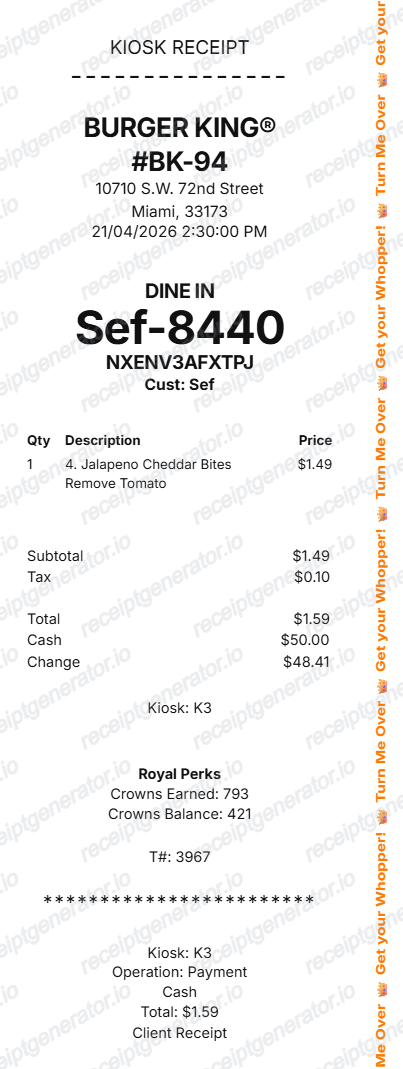
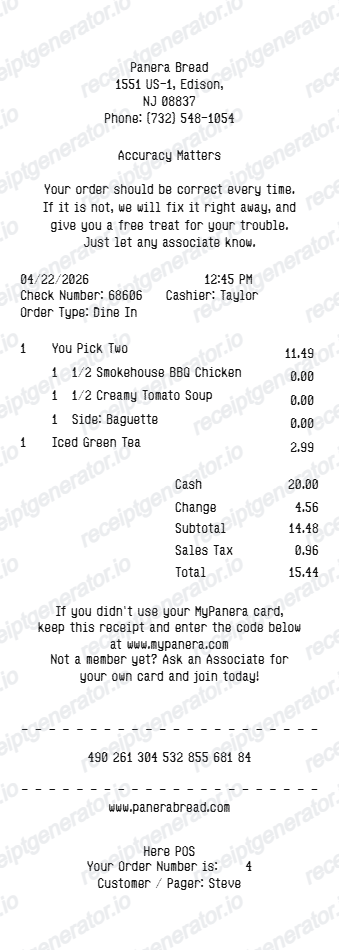
More free receipt templates for fast food, sandwiches, and restaurant meal expense records.
Subway Receipt FAQ
Common questions about creating, editing, and downloading a Subway-style receipt for meal records, expense documentation, and receipt examples.
Open the Subway receipt generator, edit the store details, order date, sandwich and item rows, customization lines, subtotal, tax, total, and payment section, then preview and download the receipt as a PDF.
Yes. The payment section supports card payment with masked card details and approval code, or cash payment with cash tendered and change due.
A real Subway receipt shows a numeric store ID (like SUBWAY #56380), the date, time, and transaction number, each sandwich with indented customization lines for bread and toppings, chips or drinks as separate priced rows, subtotal, sales tax, the total, and a MyWay Rewards QR code or points line near the footer.
Add the store name, purchase date, line items, totals, tax, payment method, and any optional notes you need on your Subway template.
This tool creates an editable Subway style layout for documentation. It is not issued by the original merchant or brand system.
Yes. Each item row supports modifier or customization lines so you can add bread type, toppings, sauces, and special instructions beneath each sandwich.
Ask the store to look up the sale using the transaction number, date, and time from your card or app history - most locations can reprint a recent receipt. If you missed scanning your MyWay Rewards QR code, submit a Missing Tokens Request through Subway's app or website within 30 days to still get credit for the points.
Yes, most expense teams accept an itemized fast food receipt showing the date, items, tax, total, and payment method. Keep the store location and transaction details legible, since some policies require the merchant name and address to match the expense report.
Both. You can use these templates for reimbursements, bookkeeping prep, and internal documentation workflows.
Yes. The generator works on mobile and desktop so you can edit details, preview changes, and export from either device.
Receipt Generator · Receipt Maker · 300+ Free Templates
Create your Subway receipt
Use the editable Subway receipt generator to add sandwich rows, customization lines, totals, and payment details, then export a clean PDF for your records.