Free Shoppers Drug Mart Itemized Receipt Generator
Create Shoppers Drug Mart style itemized receipts online with line items, PC Optimum, GST/HST, barcode, and QR sections. Download PDF instantly.
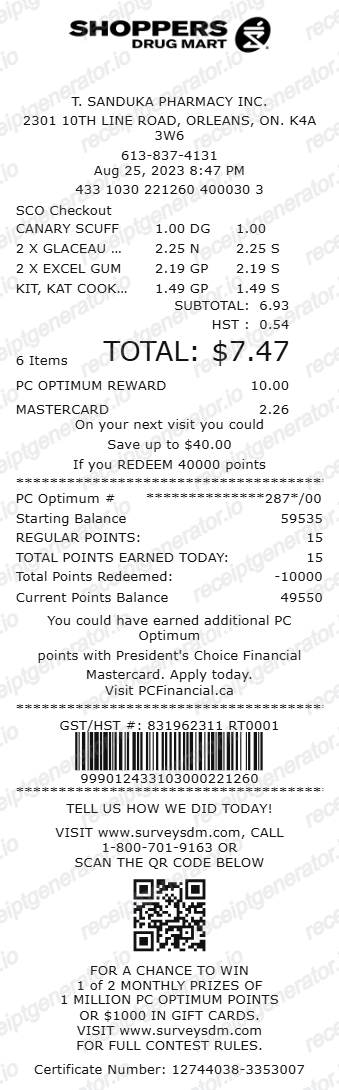
Generate a Shoppers Drug Mart style itemized receipt online. Add quantity-based item rows, subtotal/HST/total, PC Optimum rewards summary, barcode number, and survey QR section. Export a printable PDF for documentation, expense records, or mockup workflows.

Choose
Shoppers Drug Mart Itemized Receipt selected

Customize
Fill in your details

Download
Save or share receipt
Edit the details once and the preview updates instantly.
Quick summary
Shoppers Drug Mart Itemized Receipt template overview
Use this Shoppers Drug Mart Itemized Receipt template to build a clean, editable receipt record with the merchant, date, line items, tax, totals, and payment details already laid out for faster review.
What Is on a Real Shoppers Drug Mart Itemized Receipt?
Shoppers Drug Mart's itemized till receipt combines standard Canadian tax formatting with PC Optimum points tracking and, on prescription visits, a provincial dispensing fee line.
PC Optimum points, not a separate SDM program
PC Optimum is Loblaws' shared loyalty program used across Shoppers Drug Mart, Loblaws, and No Frills. The receipt shows points earned on that transaction and the updated balance when a PC Optimum card or app barcode is scanned.
Provincial pharmacist dispensing fee
On prescription purchases, Ontario and most other provinces require the pharmacist's dispensing fee to be itemized separately from the drug cost, since provincial drug plans and private insurers reimburse these two amounts differently.
GST/HST shown per province
The tax line reflects the province of purchase - HST in Ontario and most of Atlantic Canada, or separate GST/PST in provinces that have not harmonized their sales tax, and prescription drugs themselves are typically tax-exempt.
Quantity-prefixed item rows
Each line shows quantity with an X prefix (e.g., 2 X) followed by the product name and price, a thermal-till formatting convention carried over from Loblaws-owned store systems.
Barcode tied to the till transaction
A barcode at the receipt footer lets staff scan and pull up the specific transaction for returns, exchanges, or PC Optimum point disputes without needing the physical card used at purchase.
Survey/feedback code
Many SDM receipts print a QR code or survey invitation code tied to that specific visit, used for customer feedback programs rather than the transaction record itself.
Print-ready Shoppers Drug Mart style receipts
Edit the layout, watch it update live, then print, download PDF, or email.
Live receipt preview
See each section update instantly as you edit fields.
Section-by-section editing
Tune header, items, totals, rewards, barcode, and survey blocks independently.
Print and PDF workflow
Generate a print-ready layout directly from your browser.
Mobile and desktop friendly
Edit from either device with the same receipt structure.
Get Your Original Shoppers Drug Mart Receipt First
PC Optimum members can check purchase and points history in the PC Optimum app or account, since scanned transactions are logged automatically. For a prescription fill, the pharmacy counter keeps dispensing records and can reprint a detailed receipt with the dispensing fee broken out. Use this template when the original is unavailable - a faded thermal receipt, or a purchase not linked to a loyalty account.
Expense record formatting
Create organized itemized layouts for personal or internal expense records.
Design and QA mockups
Prototype receipt UI states using realistic thermal-style content blocks.
Training and demo data
Generate example receipts for walkthroughs, onboarding, and product demonstrations.
Workflow documentation
Produce consistent sample outputs for process docs and implementation references.
Shoppers Drug Mart Receipt Types
Use the SDM itemized format that best matches your documentation need.
Itemized Pharmacy Purchase Receipt
Receipt layout focused on product rows with quantity and coded amount columns.
Rewards Summary Receipt
Receipt with expanded PC Optimum activity and points balance details.
Barcode and Survey Footer Receipt
Receipt emphasizing GST/HST line, barcode block, and QR survey structure.
Related Guides
Explore related guides to understand the receipt details, lookup steps, and documentation workflows.
Pharmacy Receipt for FSA & HSA
Learn which pharmacy receipt fields from SDM itemized bills matter most for FSA or HSA reimbursement.
Explore Pharmacy Receipt for FSA & HSAWhat a CVS Pharmacy Receipt Should Include
Compare the key fields on Canadian and US pharmacy receipts for health-expense documentation.
Explore What a CVS Pharmacy Receipt Should IncludeHow to Get a CVS Prescription Receipt
See how pharmacy-side receipt retrieval differs from regular store purchase history.
Explore How to Get a CVS Prescription ReceiptRelated Other Receipt Templates
Browse our collection of receipt templates for various purposes.
More Canada Receipt Templates
Browse our collection of receipt templates for various purposes.

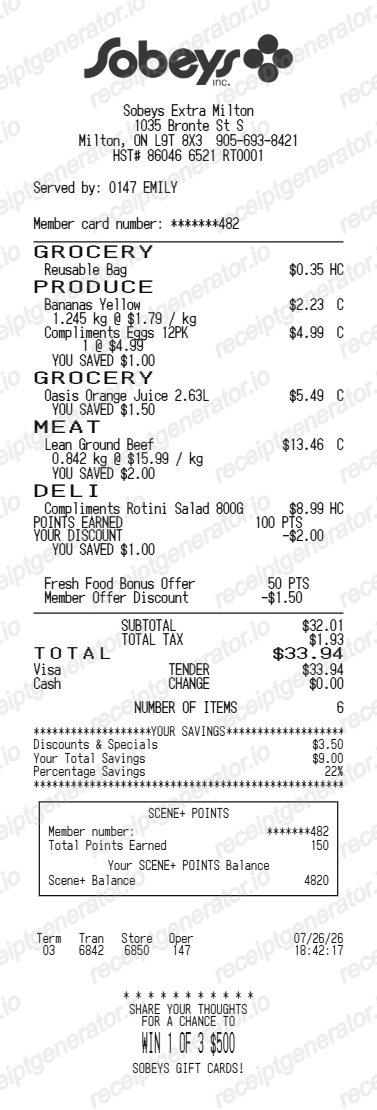
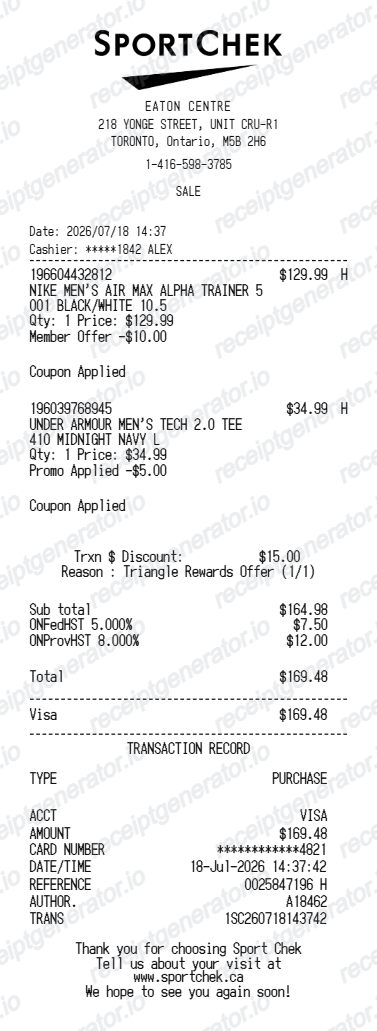
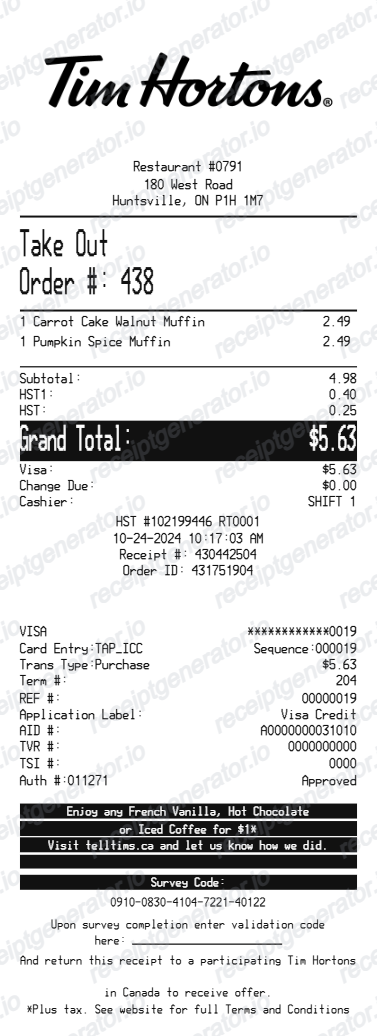
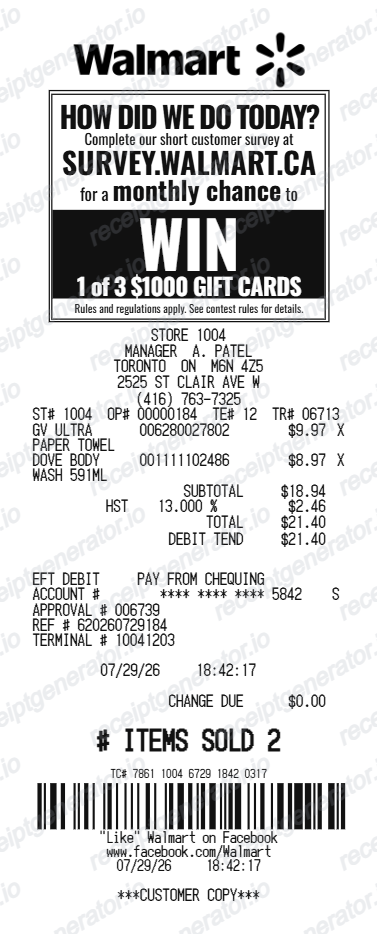
Shoppers Drug Mart Itemized Receipt FAQ
Everything you need to build a Shoppers Drug Mart style itemized receipt with PC Optimum, barcode, and survey QR layout.
Open the Shoppers Drug Mart itemized template, add store details, item lines, taxes, rewards, and barcode/QR blocks, then preview and export the PDF.
Yes. The editor uses one price value and renders it in both amount positions, while keeping separate code fields.
Yes. You can edit rewards intro lines, account mask, balances, earned/redeemed points, and footer message lines.
Yes. Barcode uses the numeric receipt code field while the QR uses a separate URL/text value.
If you scanned your PC Optimum card or app, check the PC Optimum purchase history for a digital record with items and points earned. For a prescription, ask the pharmacy counter directly - dispensing records are kept for several years and staff can reprint a detailed fill receipt.
PC Optimum is Loblaws' shared loyalty program, used across Shoppers Drug Mart and other Loblaws-owned banners like Loblaws and No Frills - it is not a program unique to Shoppers Drug Mart, so points earned there can be redeemed at any participating Loblaws store.
Yes. Each row supports quantity with X formatting plus middle and right price code columns to match the thermal layout.
Yes. You can edit totals labels and values, including subtotal, HST, and the final total line.
Yes. Barcode width and height are editable, and QR code size is configurable in the editor.
Yes. You can edit and preview this template for free. Export options depend on your current plan.
A real SDM itemized receipt shows quantity-prefixed item rows, subtotal and HST (or GST/PST depending on province), the pharmacist dispensing fee as its own line on prescription visits, PC Optimum points earned and balance, and a barcode for transaction lookup.
Add the store name, purchase date, line items, totals, tax, payment method, and any optional notes you need on your Free Shoppers Drug Mart Itemized template.
Receipt Generator · Receipt Maker · 300+ Free Templates
Create professional receipts online in seconds
Use the Receipt Generator editor with ready-made templates. Compare pricing or start generating print-ready PDF receipts in your browser no account required.